Struggling with slide decks? AI presentation design instantly transforms your ideas into visual narratives. Discover how smart tools save time while elevating your professional impact. This comprehensive guide reveals how to master AI presentation design. You will explore tool comparisons, advanced prompting strategies, and actionable formatting techniques. Learn to bypass creative blocks, streamline your workflow, and consistently deliver stunning slides that captivate your audience and drive results.
The Evolution of Slide Creation and AI Presentation Design
For decades, creating a professional pitch deck or lecture required hours of meticulous alignment, text formatting, and image sourcing. You had to act as a copywriter, graphic designer, and public speaker simultaneously. Today, the landscape has fundamentally shifted. AI presentation design allows professionals to focus on the narrative while algorithms handle the visual heavy lifting.
By interpreting natural language prompts, modern smart tools generate outlines, select complementary color palettes, and source relevant iconography. This transition from manual pixel-pushing to high-level art direction empowers individuals across all industries. Whether you need a quarterly sales report or a startup pitch deck, leveraging artificial intelligence ensures you maintain a high standard of quality without sacrificing precious time.
How Smart Tools Understand Your Content
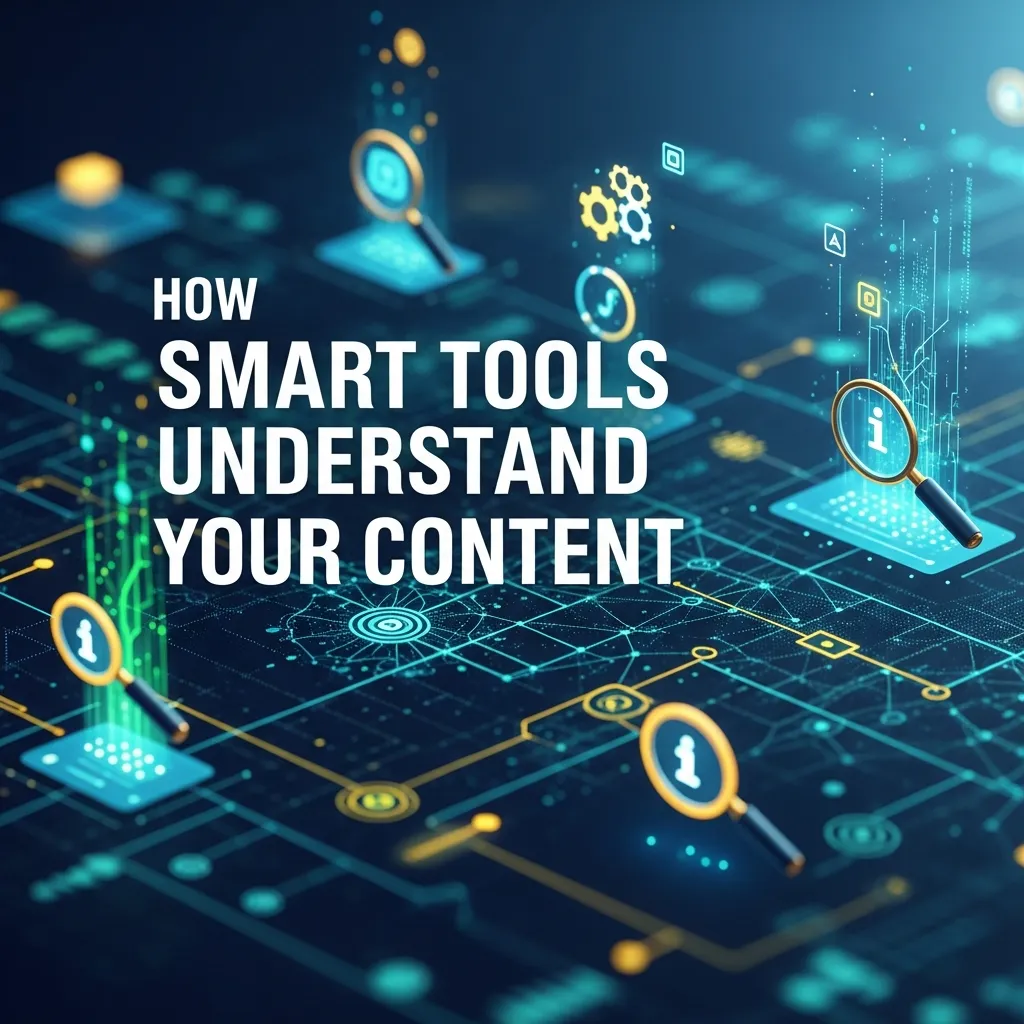
Modern AI presentation design relies on Large Language Models (LLMs) paired with advanced design algorithms. When you type a prompt, the system breaks down your request to understand the context, target audience, and primary objective.
First, the AI structures a logical narrative flow, separating the introduction, supporting data, and conclusion. Next, it pairs this text with automated layout engines that follow fundamental design principles—like the rule of thirds and visual hierarchy. Finally, the system populates the slides with typography and imagery that match the requested tone.
Mini-Conclusion: Understanding the mechanics behind these tools helps you craft better prompts. When you know the AI looks for context and structure, you can provide clearer instructions and yield vastly superior visual results.
Top Tools for AI Presentation Design
Choosing the right platform depends entirely on your specific workflow, budget, and design expertise. Let us examine the top contenders dominating the market.
1. Beautiful.ai
Beautiful.ai forces good design. Its predictive design engine adjusts layouts automatically as you add text or data. If you resize a chart, the surrounding elements shift to maintain perfect margins. This tool excels for corporate teams who need strict brand compliance and clean, modern aesthetics without fiddling with text boxes.
2. Gamma
Gamma acts more like a document-to-presentation hybrid. It reads your prompts or uploaded documents and generates a fluid, web-like presentation. It handles text-heavy topics beautifully and allows for easy embedding of videos, websites, and interactive elements. Gamma is ideal for educators and marketers who want an engaging, modern storytelling format.
3. Microsoft Copilot for PowerPoint
If your organization relies heavily on the Microsoft 365 ecosystem, Copilot is the natural choice. It integrates directly into PowerPoint, allowing you to turn Word documents into full slide decks with a single click. While its design layouts are somewhat traditional, its ability to pull internal company data makes it unmatched for enterprise workflows.
4. Canva Magic Design
Canva brings its massive template library into the AI era. By typing a simple prompt, Canva Magic Design generates a customized deck using its vast repository of stock photos, graphics, and fonts. It remains the best choice for social media managers and small business owners who prioritize highly visual, colorful aesthetics.
AI Presentation Tool Comparison
|
Feature |
Beautiful.ai |
Gamma |
Microsoft Copilot |
Canva Magic Design |
|---|---|---|---|---|
|
Best For |
Corporate & Data |
Interactive Narratives |
Enterprise Workflows |
Visual Creatives |
|
Auto-Formatting |
Strict & Automatic |
Flexible & Fluid |
Traditional Templates |
Template-Based |
|
Learning Curve |
Low |
Low |
Medium |
Low |
|
Data Integration |
High |
Medium |
Very High |
Low |
|
Brand Controls |
Excellent |
Good |
Excellent |
Good |
Step-by-Step Guide to Mastering AI Presentation Design
To truly benefit from these smart tools, you must adopt a systematic approach. Simply typing “make a presentation about marketing” will yield generic results. Follow this framework to achieve top-tier output.
Phase 1: Crafting the Perfect Prompt
Your prompt dictates the quality of your output. Provide the AI with a specific persona, audience, objective, and outline.
- Specify the audience: Are you speaking to investors, middle schoolers, or software engineers?
- Define the tone: Request a formal, persuasive, or casual tone.
- Outline the structure: Tell the AI exactly how many slides you need and what topics to cover on each.
Phase 2: Generating and Reviewing
Once the AI generates the initial draft, resist the urge to immediately accept it. Read through the narrative flow. Does the story make logical sense? The AI might misinterpret complex industry jargon, so you must verify all generated facts and figures for accuracy.
Phase 3: Refining the Visuals
AI tools often select safe, generic imagery. Replace these automated selections with high-quality, relevant graphics. Adjust the color palettes to align perfectly with your corporate branding guidelines. Ensure the typography remains highly legible by maintaining a strong contrast between text and backgrounds.
Phase 4: Rehearsing and Delivering
A stunning deck cannot save a poor delivery. Use your newly saved time to practice your talking points. Some modern AI tools even offer speaker coaching features, analyzing your pacing and use of filler words as you rehearse.
Mini-Conclusion: AI does not replace the presenter; it elevates the preparation process. By guiding the AI through structured prompts and refining the visuals, you guarantee a presentation that feels authentic and deeply engaging.
Pro Tips and Expert Insights
To push your slide creation from good to extraordinary, integrate these expert strategies into your daily workflow.
- Implement the 6×6 Rule: Even when using AI, keep text minimal. Aim for no more than six bullet points per slide and six words per line. If the AI generates a wall of text, prompt it to “summarize this into three concise bullet points.”
- Leverage Document-to-Deck Features: Instead of prompting from scratch, write your thoughts in a text document. Feed this detailed document into tools like Gamma or Copilot to ensure the AI captures your exact expertise and nuance.
- Master the Art of Iteration: Treat the first AI generation as a rough draft. Ask the tool to “make slide 4 more persuasive” or “change the tone of the introduction to be more urgent.”
- Prioritize Data Visualization: Never use bullet points for numbers. Instruct the AI to convert statistics into pie charts, bar graphs, or bold infographics to maximize retention.
Common Mistakes to Avoid
Even with powerful algorithms at your fingertips, certain pitfalls can ruin your deck. Avoid these common errors to maintain professionalism.
1. Blindly Trusting AI Content
Artificial intelligence occasionally hallucinates facts or misinterprets data. Never present a deck without manually verifying every statistic, date, and historical claim generated by the system.
2. Overloading Slides with Information
Because AI generates text quickly, users often leave too much content on a single slide. This overwhelms the audience. Ruthlessly edit down the generated text. Remember that the slide is a visual aid, not a teleprompter.
3. Ignoring Brand Consistency
AI tools love to experiment with wild fonts and vibrant colors. If you fail to lock in your brand guidelines, your presentation will look disconnected from your company identity. Always set your brand fonts and hex codes before generating the deck.
4. Neglecting the Human Element
An entirely AI-generated presentation can feel sterile. Inject your personal anecdotes, unique case studies, and distinct voice into the speaker notes and slide content to build genuine rapport with your audience.
Optimizing Workflows for Teams
AI presentation design scales brilliantly for entire organizations. By adopting these tools at the enterprise level, companies ensure absolute visual consistency across all departments.
Sales teams can generate tailored pitch decks for specific clients in minutes rather than days. Marketing departments can quickly spin up campaign reports that automatically pull data from their analytics dashboards. To succeed at scale, leadership must establish clear digital asset management protocols, ensuring all AI tools pull from the approved library of corporate logos and images.
Mini-Conclusion: Scaling AI tools across a team eliminates bottlenecks. It empowers non-designers to create brand-compliant assets independently, freeing up your dedicated design team to tackle high-level creative campaigns.
The Future of Automated Slide Creation
The rapid advancement of AI suggests that presentation design will soon become entirely predictive and interactive. In the near future, we will see real-time generation during meetings. If a client asks a specific question, the AI will instantly generate a supporting slide with relevant data visualization.
Furthermore, integration with virtual reality (VR) and augmented reality (AR) will transform flat slides into immersive 3D experiences. Professionals who master current 2D AI design workflows will possess a massive advantage when these spatial computing technologies become the corporate standard.
Conclusion
Mastering AI presentation design fundamentally changes how you share ideas. By leveraging these smart tools, you save hours while producing highly engaging, professional slides. Ready to elevate your next pitch? Start experimenting with AI presentation design today and watch your productivity and audience engagement soar.
Frequently Asked Questions
What is AI presentation design?
AI presentation design uses artificial intelligence tools to automatically create, structure, and style slides. It helps users generate professional visuals quickly with minimal manual effort using AI presentation design tools.
How does AI presentation design work?
AI presentation design works by analyzing your content and applying smart layouts, design elements, and visuals. It uses algorithms to improve slide structure and overall presentation quality.
Why is AI presentation design important?
AI presentation design saves time, improves creativity, and ensures consistent formatting. It helps both beginners and professionals create impactful presentations without advanced design skills.
What are the benefits of AI presentation design?
AI presentation design offers faster slide creation, better design suggestions, automated layouts, and improved visual storytelling, making presentations more engaging and effective.
Can beginners use AI presentation design tools?
Yes, AI presentation design tools are user-friendly and ideal for beginners. They provide templates, suggestions, and automation to simplify the presentation creation process.
Is AI presentation design better than manual design?
AI presentation design is faster and more efficient, while manual design allows full creative control. Combining both can produce the best results.
Which tools support AI presentation design?
Popular tools for AI presentation design include Canva, Beautiful.ai, Tome, and Microsoft PowerPoint with AI features that help automate slide creation.
Can AI presentation design improve productivity?
Yes, AI presentation design significantly boosts productivity by reducing the time spent on formatting, layout, and design decisions.
Is AI presentation design useful for businesses?
AI presentation design is highly useful for businesses as it helps create professional presentations for meetings, pitches, and reports quickly and efficiently.
How does AI presentation design enhance visuals?
AI presentation design enhances visuals by suggesting images, icons, colors, and layouts that match the content and improve audience engagement.
Can AI presentation design generate content?
Yes, AI presentation design tools can generate text, headlines, and even full slides based on your input, making content creation easier.
Is AI presentation design customizable?
AI presentation design allows customization, letting users edit layouts, colors, fonts, and content to match their specific needs.
Are AI presentation design tools free?
Some AI presentation design tools offer free versions with basic features, while advanced features may require a subscription.
What are the limitations of AI presentation design?
AI presentation design may lack deep creativity or unique personalization. It still requires human input for the best results and accuracy.
What is the future of AI presentation design?
The future of AI presentation design includes smarter automation, real-time collaboration, and more advanced features for creating highly personalized and interactive presentations.