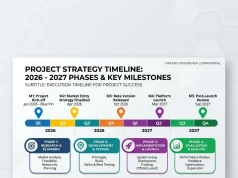
Welcome to the ultimate guide on AI tools for designing better presentation visuals. You will learn how to turn boring text into captivating, professional slide decks instantly.
This comprehensive article explores the top platforms reshaping slide creation. We compare leading software, highlight key features, and provide actionable tips to elevate your decks. You will discover exactly which software fits your workflow to save time and boost audience engagement.
The Evolution of Slide Design
Creating impactful slide decks used to require hours of meticulous formatting, font matching, and layout adjustments. You would stare at a blank screen, trying to figure out how to arrange bullet points without putting your audience to sleep. Today, artificial intelligence handles the heavy lifting. You can now type a simple prompt and watch a complete, beautifully structured deck appear before your eyes.
When we talk about AI tools for designing better presentation visuals, we mean software that understands narrative structure, visual hierarchy, and modern aesthetics. These platforms do not just paste your text onto a colored background. They analyze your message, select appropriate charts, generate relevant imagery, and apply cohesive color palettes. This technology frees you to focus on your core message rather than endlessly tweaking alignment grids.
Top AI Presentation Generators Compared
To help you navigate the crowded market, we tested and analyzed the most popular platforms available today. Each system brings unique strengths to the table, from deep enterprise integrations to rapid diagram generation.
Alai: The Champion of Speed and Design Quality
Alai stands out as a top-tier choice for professionals who need high-quality decks quickly. Instead of forcing you into a single layout, Alai generates four distinct design variations for every slide you request. This gives you immediate options, drastically reducing the time you spend hitting the regenerate button.
The most powerful feature inside Alai is its conversational editing system. By using Agent Mode, you can simply type instructions like “change the pie chart to a bar chart” or “make this slide less text-heavy.” The artificial intelligence executes your commands instantly without breaking the surrounding layout. This responsive canvas ensures your spacing remains perfect even as you add or remove content. Alai also remembers the context of your entire deck, ensuring consistent terminology and visual styles from the first slide to the last.
Gamma: The Best Platform for Async Sharing

Gamma reimagines the traditional slide deck by offering a scrollable, web-style format. This makes it incredibly effective for asynchronous sharing, where your audience reads the deck on their phone or laptop without you presenting live. The continuous scroll feels modern and aligns with how we consume content on the internet today.
You can embed interactive elements directly into your Gamma documents, including functional prototypes, videos, and live spreadsheets. While Gamma provides an excellent reading experience, it can sometimes struggle when you try to export the document into a strict 16:9 PowerPoint file. However, if your primary goal is to send a beautiful, engaging link to a client or stakeholder, Gamma delivers an exceptional experience.
Beautiful AI: The Master of Brand Consistency
If you work in a large organization where visual consistency is mandatory, Beautiful AI offers an incredible solution. The platform revolves around dynamic templates called Smart Slides. These templates feature built-in design guardrails that actively prevent you from making ugly layout choices. If you add too much text, the slide automatically resizes the elements to maintain balance and readability.
Beautiful AI locks in your corporate colors, fonts, and logos. When your sales team, marketing department, and executive board all use the platform, every single deck looks like it came from the same professional designer. While this strict adherence to design rules can sometimes feel restrictive if you want total creative freedom, it guarantees a polished, on-brand result every single time.
Canva: The Giant of Creative Flexibility
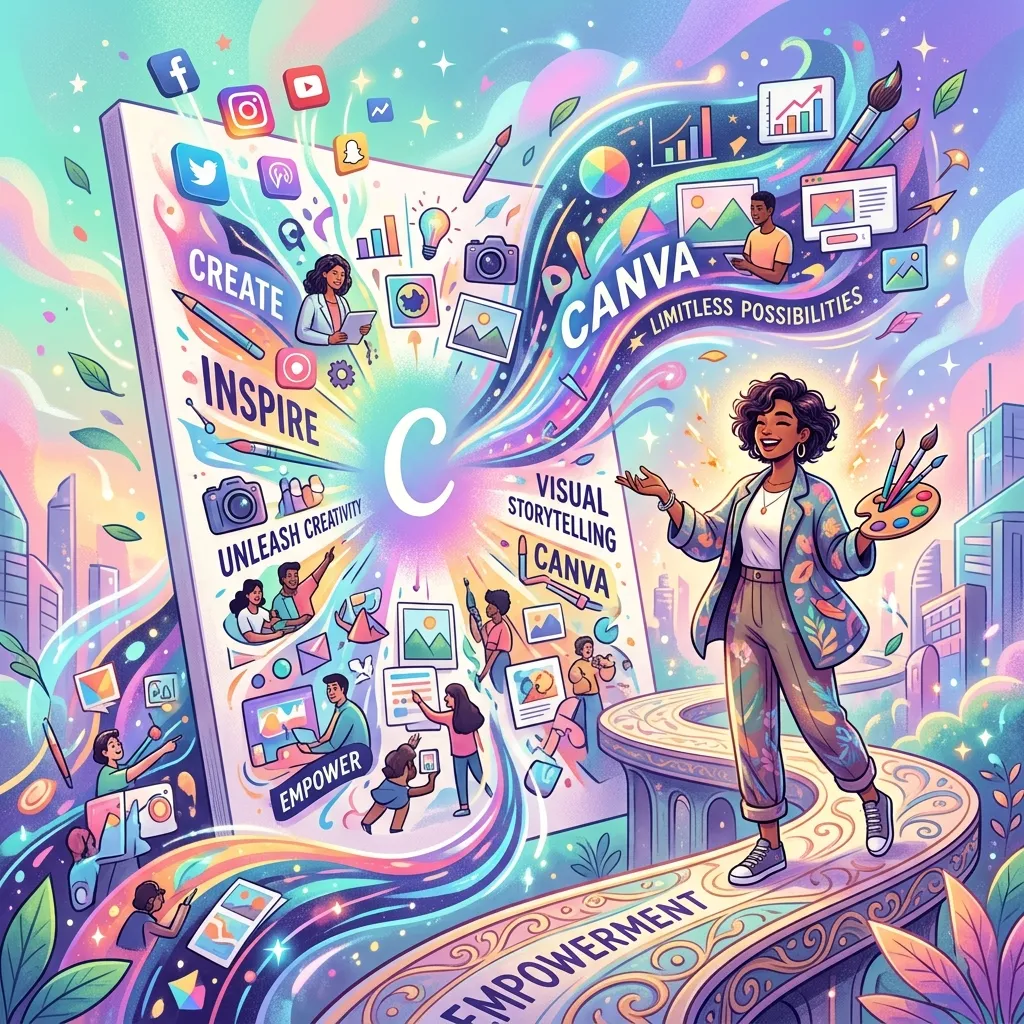
Canva remains a powerhouse in the visual design space, and its artificial intelligence features make it highly competitive for slide creation. When you use Magic Design for Presentations, the system instantly generates a draft deck based on a few words of input. It pulls from a massive library of existing templates to give you a strong starting point.
To refine your messaging, you can utilize Magic Write to summarize long paragraphs or brainstorm catchier headlines. If you struggle to find the perfect stock photo, Magic Media allows you to generate custom images from text descriptions. You can quickly apply your company colors and fonts across the entire deck using your saved Brand Kit. While Canva requires a bit more manual adjustment than fully automated tools, its massive asset library makes it incredibly versatile.
Plus AI: The Ultimate Google Slides Companion
Many teams refuse to leave the Google Workspace ecosystem. If you rely heavily on Google Slides, Plus AI serves as the perfect add-on. Instead of forcing you to learn a completely new software platform, Plus AI operates directly inside your existing presentations. You open a sidebar, type your prompt, and the slides populate right into your current file.
One standout feature is the Live Snapshots capability. You can embed a live view of an external dashboard or website directly into your slide. When the data changes on the website, it updates in your presentation with a single click. While the design outputs from Plus AI lean toward the basic side, the seamless integration into your existing workflow makes it highly valuable for data-driven teams.
Napkin AI: The Text-to-Diagram Specialist
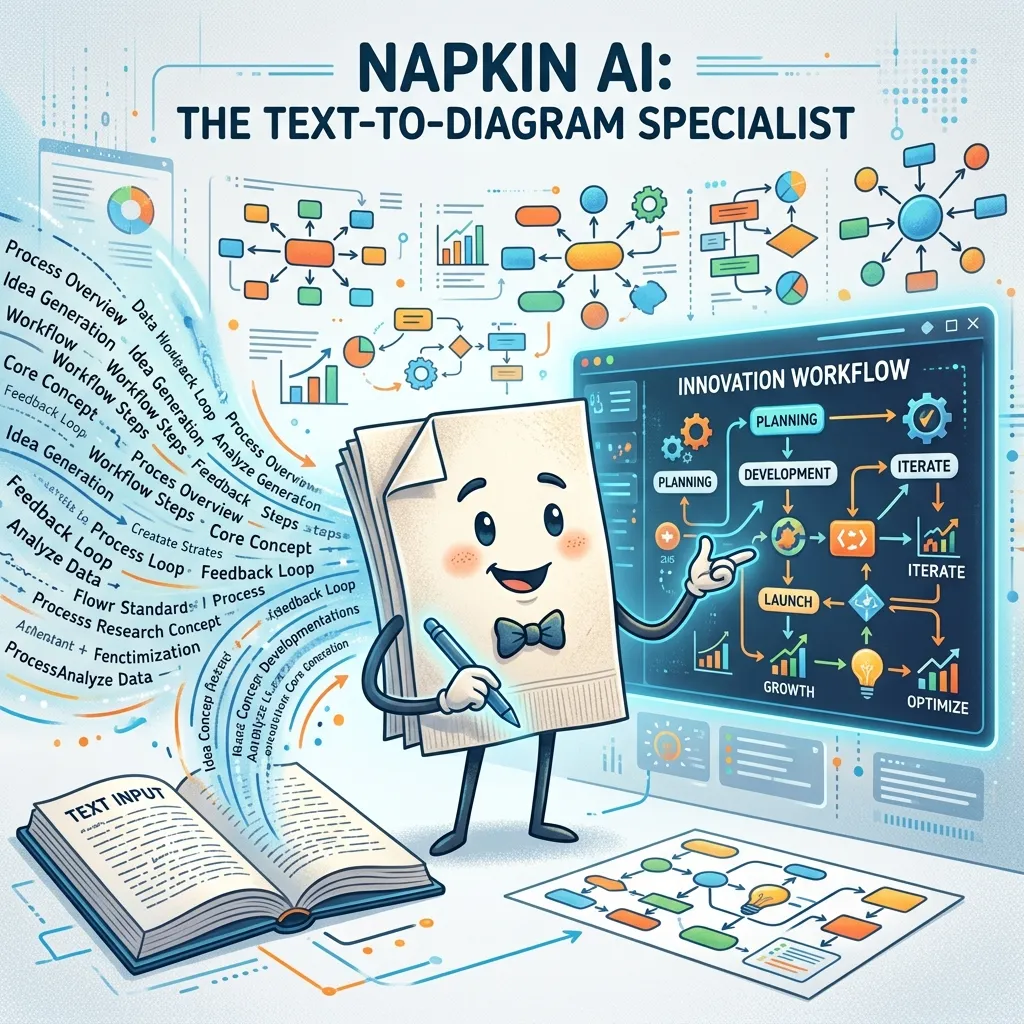
Sometimes you do not need a whole new presentation; you just need one really good diagram to explain a complex concept. Napkin AI specializes in turning structured text into professional flowcharts, comparison tables, and mind maps. You paste your content into the editor, and the system generates multiple visual interpretations of that data in seconds.
Napkin AI shines when you need to illustrate processes, customer journeys, or technical architectures. It automatically scales the visual if you add a new step to your process. You can export these diagrams and drop them directly into your main presentation. It bridges the gap between text-heavy slides and compelling visual storytelling.
Prezent.ai: The Enterprise Storytelling Engine
Prezent.ai focuses entirely on the corporate and enterprise sector. Instead of just generating pretty visuals, it applies proven business storytelling frameworks to your content. The system understands the difference between a board deck, a sales pitch, and a quarterly business review. It structures your information to highlight key performance indicators and executive summaries.
This platform ensures massive teams stay compliant with strict brand guidelines. It also offers features that refine your tone, ensuring your message sounds executive-ready. If you present to high-level stakeholders and need a tool that understands corporate logic, Prezent.ai provides an unparalleled level of strategic design.
Structured Comparison of Top Platforms
To make your decision easier, we have compiled a structured comparison table outlining the key differences between these powerful platforms.
|
Platform |
Best Use Case |
Standout Feature |
Export Quality |
Learning Curve |
|---|---|---|---|---|
|
Alai |
Speed and high design quality |
Conversational editing |
Excellent PPTX/PDF |
Low |
|
Gamma |
Async document sharing |
Web-style scrolling |
Moderate |
Low |
|
Beautiful AI |
Brand consistency |
Automated layout scaling |
Good PPTX |
Low |
|
Canva |
Creative control and assets |
Massive template library |
Excellent |
Moderate |
|
Plus AI |
Google Workspace users |
Live data snapshots |
Native Google Slides |
Low |
|
Napkin AI |
Complex diagrams |
Text-to-visual generation |
Good SVG/PPTX |
Low |
|
Prezent.ai |
Enterprise communications |
Business frameworks |
Excellent PPTX |
Moderate |
Common Mistakes to Avoid When Using AI for Presentations
Even the most advanced technology cannot save a poorly planned presentation. When utilizing these platforms, you must avoid several common pitfalls that ruin audience engagement.
First, never accept the first draft without reviewing it critically. Artificial intelligence frequently hallucinates data or misinterprets your core narrative. You must act as the editor-in-chief, verifying every statistic and refining the tone to match your voice.
Second, avoid cramming too much text onto a single slide. Just because the software can fit five paragraphs onto a screen does not mean you should let it. Your audience cannot read dense text and listen to you speak at the same time. Use the technology to distill your paragraphs into punchy bullet points, icons, or visual charts.
Third, do not ignore your brand guidelines. Many users get distracted by flashy gradients and complex AI-generated images, completely abandoning their corporate color scheme. A presentation must look like it belongs to your company. Always lock in your fonts and colors before generating content.
Finally, do not rely on generic prompts. If you ask a system for a “sales deck about marketing,” you will receive a boring, generic output. You must provide specific context, target audience details, and unique value propositions in your initial prompt to get a highly customized result. Effective communication strategies demand tailored, specific messaging.
Pro Tips for Expert-Level Slide Design
To truly master AI tools for designing better presentation visuals, you need to adopt professional workflows. These pro tips will help you elevate your output from standard to spectacular.
Combine Multiple Platforms
Do not limit yourself to just one software. You can use a conversational agent to write a brilliant outline, use a diagram specialist to generate your complex process flows, and then build the final deck in a primary design tool. Mixing platforms gives you the best features of each.
Use Micro-Prompts for Editing
Instead of trying to prompt a perfect 20-slide deck in one massive paragraph, generate the basic outline first. Then, iterate slide by slide. Ask the system to “make slide three more persuasive” or “turn the bullet points on slide four into a timeline.” Step-by-step prompting yields far superior results.
Leverage Engagement Tracking
Creating the deck is only half the battle. When you share your final presentation asynchronously, utilize tracking features like Pitch Rooms. These environments let you bundle your deck with videos and documents while providing deep analytics. You can see exactly which slides your clients spent the most time reading, allowing you to tailor your follow-up conversations perfectly.
Focus on Contrast and Readability
Always ensure your text stands out clearly against the background. Artificial intelligence sometimes chooses background images that compete with your text. Apply dark overlays or transparent text boxes to guarantee your audience can read your message easily from the back of the room. Visual design principles dictate that clarity must always override decorative elements.
Conclusion
Using the right AI tools for designing better presentation visuals completely changes how you connect with audiences. You save hours of tedious formatting while delivering stunning, persuasive, and highly professional decks. Start experimenting with these innovative platforms today and turn your next pitch into an unforgettable visual experience. Subscribe to our newsletter for more expert design insights!
Frequently Asked Questions
What are the best platforms for creating modern slide decks quickly?
The best platforms depend entirely on your specific needs and daily workflow. If you want rapid generation with high-quality layouts, Alai provides an incredible experience. If you need strict brand control across a massive team, Beautiful AI works perfectly. For users who refuse to leave the Google ecosystem, Plus AI seamlessly integrates directly into Google Slides. Evaluating your primary use case will guide you to the correct software.
How do these generators maintain my company brand guidelines?
Most professional-grade systems offer dedicated branding hubs where you upload your specific hex codes, typography files, and high-resolution logos. Once you configure these settings, the artificial intelligence automatically applies your unique brand identity to every new slide it creates. This ensures that even employees with zero design experience produce materials that look fully compliant and cohesive with your corporate standards.
Can I export my generated decks directly into PowerPoint?
Yes, the vast majority of these platforms allow you to export your finished work into a standard PowerPoint file. However, the quality of that export varies wildly between different software providers. Some tools export perfectly editable text boxes and shapes, while others might flatten complex graphics into static images. Always test the export functionality during your free trial to ensure it meets your technical requirements.
Do I need previous graphic design skills to use these systems?
You absolutely do not need any formal design training to achieve incredible results. These platforms are explicitly built to replace the need for deep design knowledge. The software understands the rules of spacing, color theory, and visual hierarchy. Your only job is to provide clear, accurate text and verify that the narrative flows logically. The computer handles all the complex visual heavy lifting for you.
Are these slide creation programs totally free to use?
Almost all of these platforms offer a free tier or a limited trial period so you can test their capabilities. However, to unlock the most powerful features—such as premium image generation, high-quality PowerPoint exports, or team collaboration tools—you will usually need to purchase a monthly or annual subscription. The time you save on manual formatting generally justifies the subscription cost for busy professionals.
How does text-to-diagram technology actually function in practice?
Text-to-diagram software uses advanced natural language processing to read your paragraphs and identify structural relationships. If it detects a chronological sequence, it automatically builds a timeline. If it reads a list of pros and cons, it generates a clean comparison table. This technology translates your logical structures into immediate visual representations, saving you from manually drawing connecting lines and aligning text boxes.
What is the most effective way to prompt these systems for good results?
The secret to great output lies in providing high-quality, highly specific context. You should clearly state your target audience, the core objective of the meeting, the desired tone of voice, and the specific data points you want highlighted. Vague prompts yield boring, generic slides. Treat the artificial intelligence like a junior design assistant who needs very clear, detailed instructions to succeed.
Can I collaborate with my remote team in real time on these platforms?
Yes, modern slide generators operate entirely in the cloud, making them perfect for remote collaboration. Multiple team members can log into the same document simultaneously. You can leave comments for your colleagues, assign specific slides to different departments, and watch edits happen in real time. This collaborative environment eliminates the confusion of emailing different file versions back and forth.
Do these platforms support live data integrations for reporting?
Certain platforms excel at handling live data feeds. For example, some tools allow you to embed live views of your analytics dashboards directly into your slides. When the numbers change in your database, your presentation updates automatically. This feature proves incredibly valuable for weekly sales meetings or monthly marketing reports, ensuring you never present outdated numbers to your stakeholders.
How secure is my sensitive company data on these cloud platforms?
Enterprise-focused platforms take data security very seriously. They typically offer SOC 2 Type II compliance, single sign-on capabilities, and advanced administrator permissions. However, you should always review the privacy policy of any artificial intelligence tool before pasting sensitive financial data or proprietary trade secrets into a prompt. For ultimate safety, enterprise security protocols recommend sanitizing your data before feeding it into third-party cloud generators.