In today’s digital landscape, professionals across industries rely heavily on engaging, inclusive presentations to reach both in-person and remote audiences. The rise of hybrid events has accelerated demand for innovative visual strategies that cater simultaneously to live attendees and virtual participants. With more organizations embracing this blended delivery format, mastering hybrid presentation design becomes essential for capturing attention, conveying ideas clearly, and fostering meaningful interaction regardless of location.
Whether you’re facilitating a company-wide town hall streamed to colleagues around the globe, hosting a training workshop with some attendees in the room and others on their laptops, or speaking from a virtual studio to an auditorium audience, a thoughtfully designed slide deck serves as your secret weapon. It not only reinforces spoken points but also adapts seamlessly across screen sizes, connection speeds, and audio-visual setups.
This article offers a comprehensive, step-by-step guide to creating slides and delivery practices that maximize clarity, accessibility, and engagement in hybrid presentation design. You’ll find research-backed tips for layout, typography, color usage, interactivity tools, and technical rehearsals, alongside authoritative resources such as the W3C Web Accessibility Initiative (https://www.w3.org/WAI/) and the U.S. Digital Service guidelines on user experience (https://www.usability.gov/). Let’s dive in and transform your next session into a stellar hybrid experience.
Understanding Virtual and Hybrid Contexts
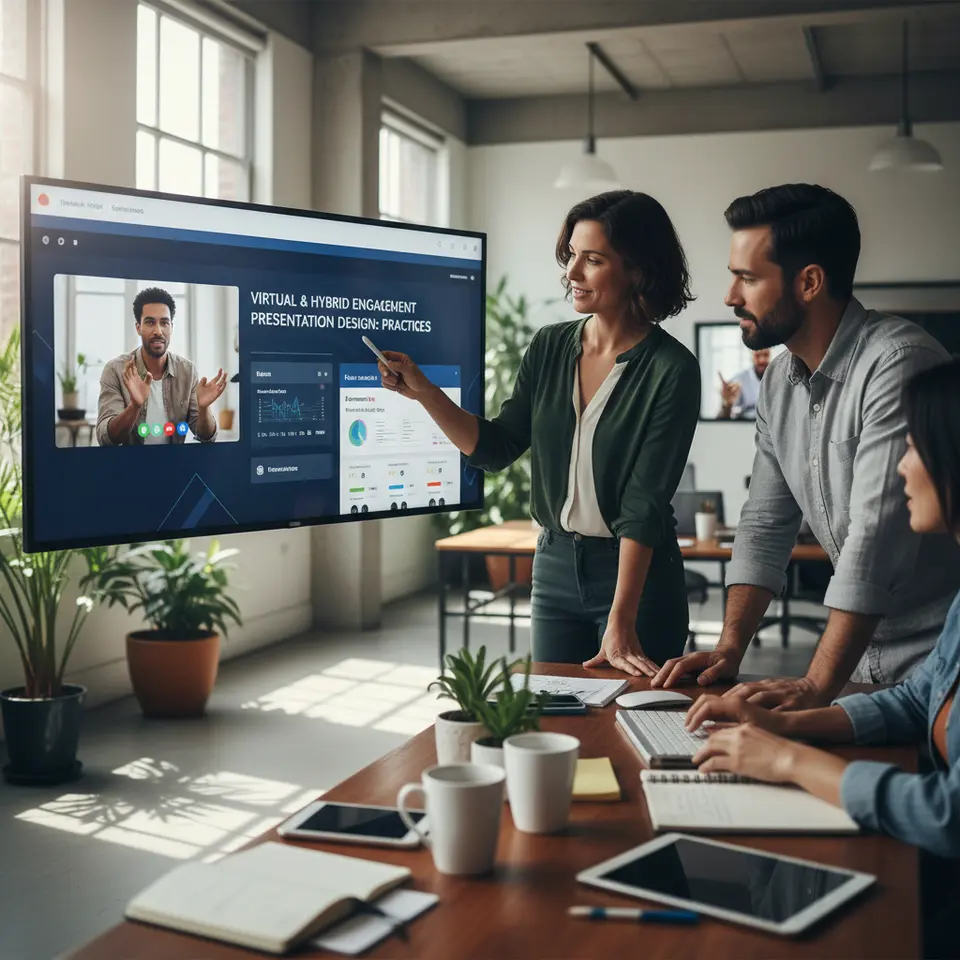
Before crafting your slide deck, it’s crucial to distinguish between purely virtual sessions and hybrid experiences that combine on-site and remote participation. A virtual presentation relies entirely on video conferencing platforms—Zoom, Microsoft Teams, or Webex—with all participants joining via webcams and screen sharing. A hybrid event, by contrast, integrates an in-person gathering with a live stream, demanding seamless transitions between a physical stage or boardroom and the digital environment.
Defining Key Variables
- Device diversity: Remote viewers may use smartphones, tablets, laptops, or desktop monitors with varying resolutions. Ensuring slides scale gracefully is vital.
- Display conditions: Projectors, LED screens, and wall-mounted displays can wash out colors or cut off edges. White space and high-contrast palettes help mitigate these issues.
- Audio channels: Live audiences hear speakers directly, while virtual attendees depend on microphones, speakers, and network stability. Background noise control and proper mic placement are non-negotiable.
- Interactive frameworks: Online tools include chat windows, polling widgets, and Q&A modules. In-person participants rely on hand-raising, microphones passed through the crowd, or physical response cards.
By acknowledging these factors up front, you can tailor every aspect of your hybrid presentation design—from slide composition to engagement tactics—to ensure universal accessibility and impact across all channels.
Crafting Slide Layouts for Visual Clarity
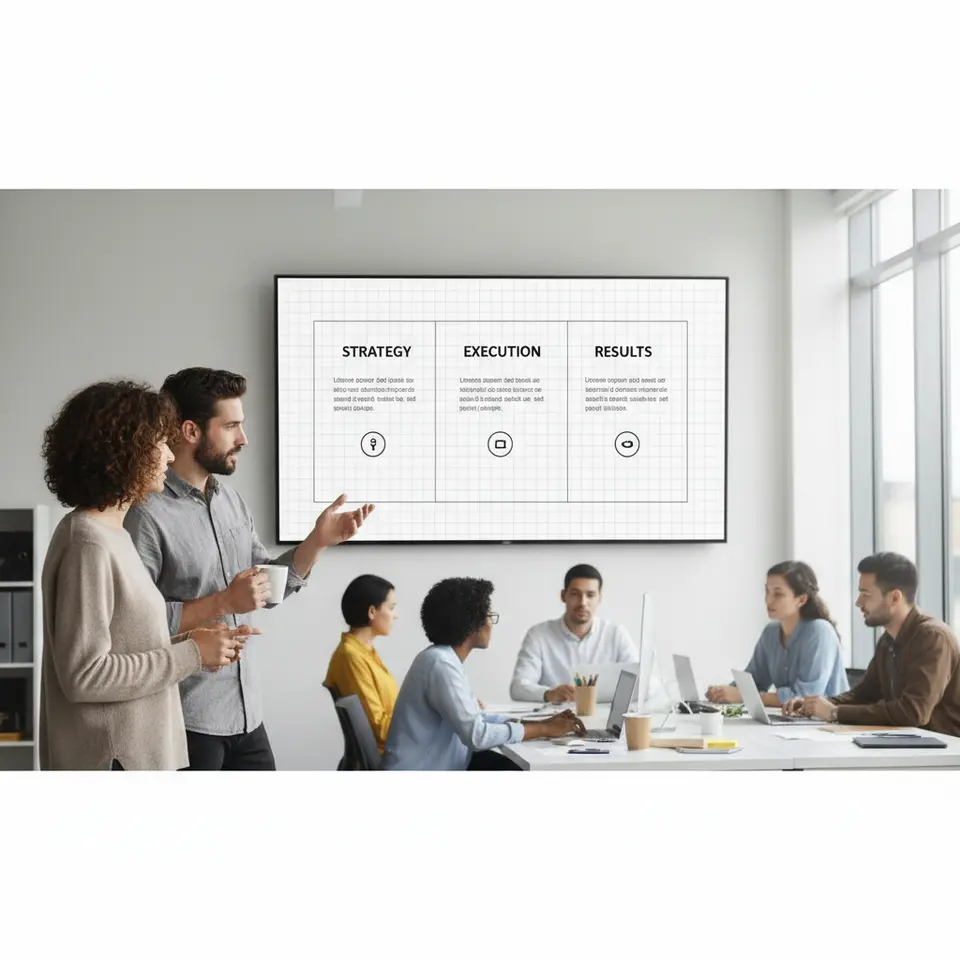
A cornerstone of effective hybrid presentation design is a consistent, clean layout that works equally well on large screens and mobile devices. Busy slides overloaded with text, cluttered graphics, or tiny fonts frustrate viewers and dilute your message.
Grid Systems and Whitespace
Adopt a simple grid framework—two or three columns—to align headings, body text, and visuals. This approach promotes visual balance and makes it easier for remote attendees with smaller windows to follow along. Leave generous margins around every element so that nothing is truncated or concealed by UI overlays. Ample whitespace also boosts comprehension by giving the eye room to rest.
Typography Best Practices
Choose sans-serif typefaces like Arial, Open Sans, or Helvetica, which feature open counters and generous x-heights for heightened legibility. Maintain a minimum font size of 24pt for headings and 18pt for body text to accommodate viewers at a distance or on compressed video feeds. For slide footers or captions, avoid dropping below 14pt.
Color Contrast and Accessibility
Limit your palette to three or four colors aligned with your brand identity or event theme. Pair dark text on a light background—or vice versa—to meet contrast ratio standards recommended by the W3C (https://www.w3.org/WAI/WCAG21/Understanding/contrast-minimum.html). Refrain from relying solely on color to convey meaning; incorporate symbols, icons, or patterns to aid colorblind attendees.
Embracing these layout and visual clarity techniques ensures your hybrid presentation design remains inclusive, professional, and easy to navigate for every participant, whether they’re seated in the front row or tuning in from halfway around the world.
Engaging Remote Audiences Effectively
When virtual viewers see only your slides and a thumbnail of your speaking face, they can quickly disengage if the content isn’t interactive. Integrate dynamic elements and structured touchpoints to draw remote participants into the conversation.
Polls, Quizzes, and Live Feedback
Embed live polls or quizzes directly within your slide deck using integrated platform features or third-party add-ins like Mentimeter or Slido. Announce the poll at the start of a segment and display the aggregated results on the subsequent slide. This real-time feedback loop encourages remote viewers to contribute and keeps them invested in the narrative.
Chat Moderation and Q&A Cadence
Assign a dedicated moderator or co-host—either on-site or remote—to monitor chat threads, flag pressing questions, and feed them to you at set intervals. Create structured Q&A breaks every 15 to 20 minutes rather than allowing questions to pile up. When you address a question, display the exact wording on screen to validate the asker’s contribution and ensure clarity for all viewers.
Virtual Breakout and Networking
Leverage breakout room features to facilitate small-group discussions. Provide clear prompts on your slides, set timers, and outline deliverables for each group. After reconvening, use a live poll to surface key insights from each team. This approach cultivates a sense of community among remote participants and bridges the engagement gap between digital and physical audiences.
By embedding these interactive protocols into your hybrid presentation design, you transform passive viewers into active collaborators, boosting retention rates and overall satisfaction.
Captivating In-Person Attendees

While remote engagement often steals the spotlight in hybrid formats, live participants crave tactile, attention-grabbing experiences that transcend static slide content.
Subtle Animation and Transitions
Incorporate gentle animations—such as fade-ins or object highlights—to guide the in-room audience’s focus without overwhelming them. Avoid elaborate transitions that can distract or cause technical lag. Smooth, purposeful motion supports your narrative and signals when key points emerge.
Physical Props and Live Demonstrations
Whenever possible, bring tangible items or conduct hands-on demos to break up screen time. If you’re showcasing a prototype, illustrate each component with annotated photos on successive slides so remote viewers receive the same level of detail. For on-site participants, pass around small objects or invite volunteers on stage to touch, feel, or activate illustrative devices.
Interactive Group Exercises
Prompt show-of-hands polls, quick brainstorm sessions, or peer pairing exercises tied to slide content. For example, display a scenario on one slide, ask pairs to discuss for two minutes, then summarize findings. These activities maintain energy levels and reinforce learning by involving the body as well as the mind.
By blending subtle on-screen cues, real-world props, and participatory tasks, your hybrid presentation design will resonate more deeply with in-person attendees and underscore the value of being physically present.
Balancing Virtual and Live Signals
Orchestrating eye contact, camera positioning, and slide visibility is a tightrope walk in hybrid presentations. Striking the right balance ensures that neither remote nor live audiences feel secondary.
Camera Placement and Speaker Positioning
Mount your webcam or camera at eye level, ideally adjacent to the main display screen. This setup allows you to speak directly into the camera—creating a sense of one-on-one connection with remote viewers—while glancing at in-person attendees and slide previews. Use a confidence monitor in front of you, displaying upcoming slides and notes, so you never turn your back to the live audience.
Presenter Notes and Natural Delivery
Implement presenter view on a separate device—such as a tablet—to show bullet prompts, data points, and timing cues. Avoid reading verbatim from your slides; instead, rely on concise notes that trigger broader explanations. A natural delivery style fosters trust and keeps both remote and in-person participants engaged.
Technical Rehearsals and Backup Plans
Rehearse the full hybrid setup at least one day prior, testing audio levels, video feeds, slide transitions, and interactive tools. Check room lighting to prevent glare on projection screens. Ensure remote users can hear the audience Q&A. Prepare contingency options: a secondary laptop with a mirrored slide deck, spare cables, and a tethered mobile hotspot in case of network outages. Assign specific team members to manage audio, video, and digital engagement channels for quick troubleshooting.
Leveraging Specialized Platforms
Choose video conferencing solutions with robust hybrid capabilities—built-in polling, breakout rooms, captioning, and advanced analytics. Complement native features with add-ons for real-time annotation or sentiment tracking to gauge audience reactions. Reviewing platform usage data post-event can inform future refinements in your hybrid presentation design approach.
Through meticulous coordination of camera setups, presenter workflows, and tech redundancies, you create a frictionless experience that honors both virtual and live audiences in equal measure.
FAQ
What defines a hybrid presentation?
A hybrid presentation combines in-person attendees with virtual participants via live streaming or video conferencing platforms. It demands design and delivery strategies that engage both audiences simultaneously, ensuring clear visuals, accessible content, and interactive elements for everyone.
How can I ensure my slides are accessible to all participants?
Use high-contrast color combinations, legible sans-serif typefaces at 24pt or larger, and ample whitespace. Include alternative text for images, avoid conveying meaning by color alone, and follow WCAG guidelines to accommodate viewers with visual impairments or small screens.
Which tools work best for remote audience engagement?
Integrated polling and quiz features (e.g., Mentimeter, Slido), chat moderation, structured Q&A breaks, and breakout rooms offer dynamic interaction. Appoint a moderator to manage these channels, surface key questions, and maintain a seamless flow between your content and audience contributions.
Conclusion
Mastering hybrid presentation design this year (2026) requires an intentional blend of clear visuals, interactive content, and robust technical preparation. By adopting a consistent slide layout, leveraging accessible design principles, and integrating real-time engagement tools, you can captivate remote viewers while empowering in-person participants with dynamic experiences.
Balancing eye contact, camera angles, and confidence monitors ensures no one feels neglected. Daily rehearsals and contingency plans safeguard against unexpected glitches, and authoritative resources like the W3C Web Accessibility Initiative (https://www.w3.org/WAI/) and U.S. Digital Service guidelines (https://www.usability.gov/) provide further best practices for inclusive design. Embrace these strategies in your next hybrid session to elevate audience satisfaction and foster genuine connections—no matter where participants join from.
With thoughtful hybrid presentation design, you’ll transform routine lectures into memorable, interactive events that resonate with diverse audiences in today’s interconnected business world.