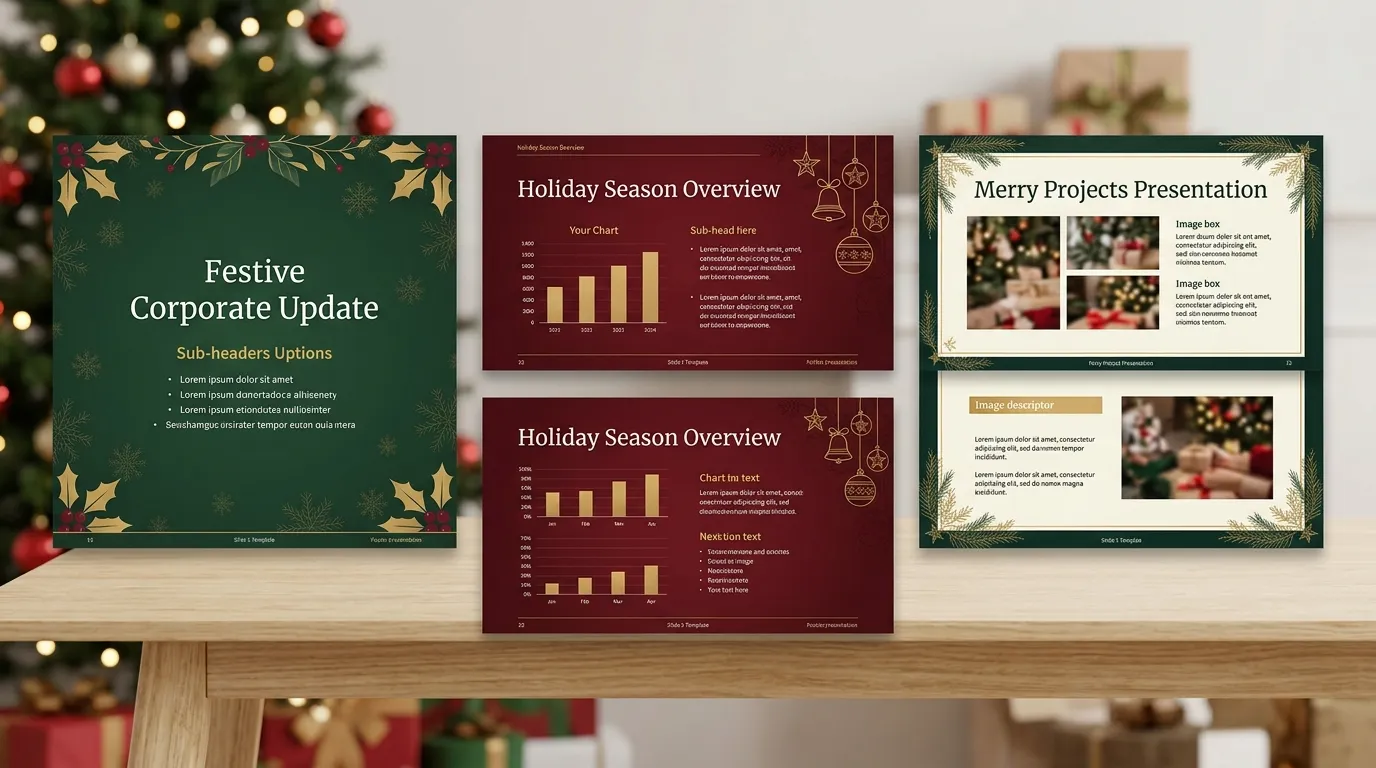
This comprehensive guide explores everything you need to know about selecting and customizing festive slide designs. You will discover actionable insights on color psychology, typography, and layout structure. We also cover expert design tips, outline common mistakes to avoid, and provide a detailed comparison to help you choose the best resources for your holiday presentations.
The holiday season brings a unique opportunity to connect with your audience, whether you are delivering a year-end corporate review, teaching a classroom of eager students, or hosting a virtual family gathering. Utilizing professionally designed Christmas PowerPoint presentation templates can transform a standard slideshow into a memorable, visually captivating experience. Instead of spending hours designing slides from scratch, you can leverage pre-made, highly customizable layouts that immediately capture the warmth and joy of the season.
Why You Need High-Quality Christmas PowerPoint Presentation Templates
Creating a presentation during the busiest time of the year can feel overwhelming. By choosing the right foundation for your slides, you streamline your workflow while elevating the final product.
Saving Time During the Busy Holiday Season
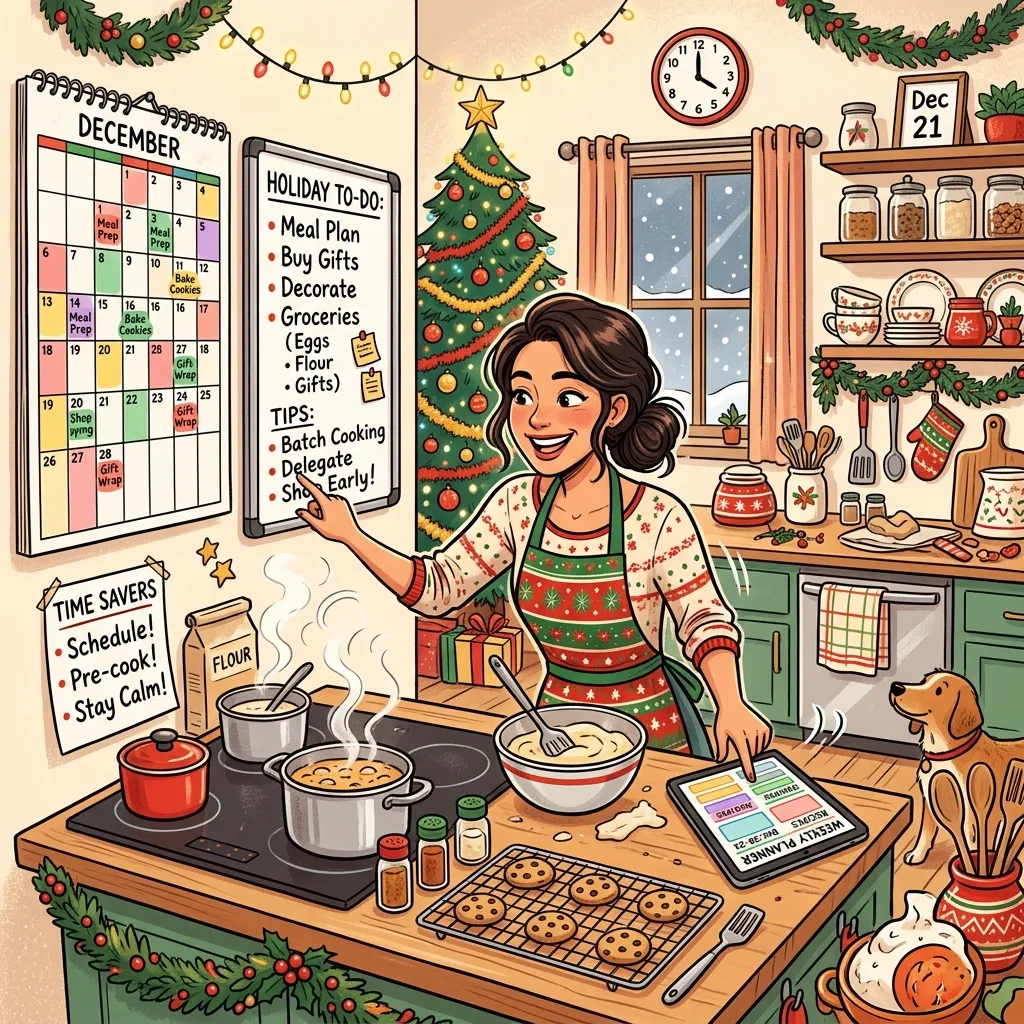
December is notoriously busy. Between finalizing year-end reports and managing personal holiday preparations, finding the time to build a presentation from the ground up is difficult. High-quality templates provide a structural head start. They come pre-loaded with seasonal color palettes, balanced text boxes, and thematic graphics. All you need to do is drop in your specific content. This efficiency allows you to focus on your delivery and messaging rather than aligning text boxes and searching for transparent background images.
Making a Lasting Impression on Your Audience
Visual communication is incredibly powerful. Studies in visual learning show that audiences retain information much better when it is paired with compelling graphics. When you use thematic templates, you tap into the emotional resonance of the holiday season. The right visuals evoke feelings of nostalgia, warmth, and celebration. This emotional connection keeps your audience engaged, making your core message much more memorable long after the presentation ends.
Key Elements of an Engaging Festive Presentation
Not all holiday slides are created equal. To ensure your presentation looks professional and festive without crossing into tacky territory, you must understand the core principles of seasonal design.
Color Palettes That Pop
The colors you choose set the entire mood for your slideshow. While traditional red and green are universally recognized, you do not have to limit yourself to just two shades.
- Classic Red and Green: Best for traditional events and family gatherings. These colors evoke a sense of heritage and warmth.
- Winter Blues and Silver: Ideal for corporate settings. These tones feel sophisticated, modern, and inclusive for general winter celebrations.
- Gold and Black: Perfect for formal galas or luxury brand presentations. This combination screams elegance and high-end celebration.
When selecting your color scheme, ensure high contrast between your background and text. If you are using a dark winter blue background, opt for crisp white or silver text to maintain readability. For more on color accessibility, you can refer to the Web Content Accessibility Guidelines provided by the W3C.
Typography That Spreads Cheer
Fonts play a massive role in presentation design. The goal is to balance festive flair with absolute legibility.
- Heading Fonts: This is where you can have fun. Script fonts or decorative serif fonts look beautiful on title slides and section headers.
- Body Fonts: Keep your main text clean. Use simple sans-serif fonts like Open Sans, Arial, or Calibri.
Never use a highly decorative script font for large blocks of text, as it will strain your audience’s eyes and dilute your message.
High-Quality Graphics and Animations

A great holiday presentation features consistent, high-quality graphics. Whether you choose flat illustrations, 3D icons, or watercolor artwork, maintain that style throughout the entire deck. Mixing photorealistic images with cartoon clip art creates visual confusion. Furthermore, use animations sparingly. A gentle “fade” or “wipe” transition between slides feels elegant, whereas overly aggressive bouncing or spinning animations can distract from your actual content.
Top Use Cases for Holiday Slide Designs
Festive templates are incredibly versatile. Here is how different sectors utilize them effectively.
Corporate Year-End Reviews
Businesses frequently host all-hands meetings in December to celebrate team achievements and discuss the upcoming holiday marketing strategy. Using a winter-themed template softens the delivery of heavy data and statistics. It shows employees that leadership is in the holiday spirit while still maintaining a professional environment.
Educational and Classroom Settings
Teachers rely heavily on visual aids to keep students engaged before the winter break. Themed slides are perfect for creating interactive quizzes, sharing historical facts about global winter traditions, or displaying instructions for holiday crafts.
Family Games and Virtual Gatherings

In an era where families might be spread across the country, virtual gatherings are commonplace. You can use slideshows to host interactive games like holiday trivia, virtual Secret Santa reveals, or a digital scrapbook of family memories from the past year.
Comparison Table: Free vs. Premium Templates
When sourcing your slides, you will encounter both free and paid options. Here is a breakdown to help you decide which route suits your needs.
|
Feature |
Free Templates |
Premium Templates |
|---|---|---|
|
Cost |
$0 |
Varies (Subscription or One-time fee) |
|
Design Quality |
Good, but often basic |
Exceptional, highly detailed |
|
Customization |
Limited editable elements |
Fully editable vectors and icons |
|
Uniqueness |
Highly used by others |
Exclusive, distinct designs |
|
Support |
None |
Customer support available |
|
Best For |
Classrooms, personal use, tight budgets |
Corporate events, major pitches, brand alignment |
Mini-Conclusion: If you are presenting to high-level stakeholders or clients, investing in a premium template is usually worth the cost for the polished, unique look it provides. For casual or internal team meetings, a well-chosen free template can work perfectly.
Expert Tips for Customizing Your Slides
Even the best templates require a bit of personal touch to truly shine. Follow these expert insights to customize your presentation seamlessly.
- Stay On Brand: If you are creating a corporate presentation, incorporate your company logo and brand colors subtly into the festive theme. You might wrap your logo in a tiny digital ribbon or use your brand’s specific shade of blue as the primary background color.
- Embrace White Space: Do not overcrowd your slides with too many ornaments, snowflakes, or text blocks. Leave ample negative space to let your content breathe. According to presentation design experts at Duarte, empty space is crucial for directing the viewer’s eye to the most important information.
- Use High-Resolution Imagery: Blurry or pixelated images instantly degrade the quality of your presentation. Always source high-resolution stock photos or use the vector graphics provided within the template.
- Keep Text Minimal: Rely on your spoken words to deliver the bulk of the information. Use the slides to highlight key takeaways, powerful quotes, and essential data points.
Common Mistakes to Avoid with Holiday Presentations
It is easy to get carried away with holiday enthusiasm. Avoid these frequent pitfalls to ensure your presentation remains effective and professional.
- The Clutter Trap: Adding too many festive icons (santas, reindeer, snowmen, and gifts) onto a single slide. It distracts from your data and makes the presentation look messy.
- Poor Color Contrast: Using red text on a green background. While festive, this combination vibrates on the screen and is notoriously difficult to read, especially for individuals with color vision deficiencies.
- Ignoring the Audience: Assuming everyone celebrates the same way. If you are presenting to a diverse global team, lean toward inclusive “winter” themes rather than highly specific religious imagery, unless the context explicitly calls for it.
- Overusing Sound Effects: Adding sleigh bell sounds or ho-ho-hos to every slide transition. This becomes annoying very quickly and detracts from your professional credibility.
- Forgetting to Proofread: Because templates often come with placeholder “Lorem Ipsum” text, users sometimes forget to replace every single text box. Always review your presentation in full-screen mode before presenting.
Mini-Conclusion: Restraint is your best friend when designing for the holidays. Let the template provide the atmosphere, but let your content be the star of the show.
Structuring Your Presentation for Maximum Impact
A beautiful template will not save a disorganized presentation. You must structure your narrative logically.
Begin with a strong hook. Acknowledge the season, share a brief, relevant holiday anecdote, or highlight an impressive statistic from the past year.
Move into your core agenda. Use clear section header slides to transition between topics. For example, if you are discussing corporate gifting initiatives, use a dedicated transition slide featuring a beautifully wrapped present graphic to signal the shift in topic.
Conclude with a clear summary of your main points. Use the final slide to wish your audience a happy holiday season and provide clear contact information or next steps. Integrating your presentation structure with a reliable software platform like Microsoft PowerPoint ensures smooth delivery and easy sharing.
Conclusion
Delivering an impactful holiday message doesn’t require a degree in graphic design. By utilizing high-quality christmas powerpoint presentation templates, you can save valuable time, maintain a polished aesthetic, and keep your audience thoroughly engaged. Remember to balance festive elements with clean design principles, prioritize readability, and structure your narrative clearly. Ready to spread some holiday cheer? Start exploring template libraries today and transform your next seasonal slideshow into a visually stunning experience.
FAQs
1. What makes a good holiday presentation template?
A good holiday template balances festive aesthetics with functional design. It should feature a cohesive color palette, legible typography, high-quality vector graphics, and plenty of white space for your actual content. It should enhance your message, not distract from it.
2. Can I use these templates in Google Slides as well as PowerPoint?
Yes. Most modern template providers offer files that are fully compatible with both Microsoft PowerPoint and Google Slides. You can usually download the file in .pptx format, which easily imports into Google Drive without losing formatting.
3. How do I make my holiday presentation more inclusive?
To make your presentation inclusive for a diverse audience, focus on general winter themes rather than specific religious holidays. Utilize motifs like snowflakes, winter landscapes, and neutral colors like silver and blue. Frame the messaging around end-of-year reflections and looking forward to the new year.
4. Are free presentation templates safe to download?
Generally, yes, if you download them from reputable design websites and template libraries. Always ensure you have active antivirus software running, and avoid clicking on suspicious pop-up ads when navigating free resource sites.
5. How many slides should my presentation be?
The number of slides depends entirely on the length of your presentation, but a good rule of thumb is the 10/20/30 rule popularized by Guy Kawasaki: 10 slides, lasting no more than 20 minutes, with no font smaller than 30 points. For a holiday recap, keeping it concise and visually driven is key.
6. Should I use animations in my festive slides?
Use animations sparingly. A simple fade between slides or a subtle entrance animation for a key graphic can look highly professional. Avoid loud, chaotic animations that take too long to load, as they disrupt the flow of your speech.
7. How can I customize the template to match my company branding?
You can customize templates by adjusting the master slide settings. Change the primary colors to align with your corporate brand guidelines, insert your company logo in the corner of the slides, and change the default fonts to your company’s official typefaces.
8. What is the best font for a holiday presentation?
For headings, you can use elegant serif fonts or tasteful script fonts to convey a festive mood. However, for all body text and data points, stick to clean, highly legible sans-serif fonts like Arial, Helvetica, or Roboto to ensure readability from the back of the room.
9. Can I print these templates to hand out as packets?
Yes, you can print them. However, if your template features a dark background (like deep blue or dark green), printing it will consume a massive amount of printer ink and may make the text hard to read on paper. If you plan to distribute physical copies, switch to a light-background version of the template.
10. Where can I find data on presentation design best practices?
You can find excellent resources and data on visual communication from authoritative design organizations, communication experts like Duarte Design, and educational resources provided directly by Microsoft and Google regarding software accessibility and user experience.